
# Figure [Figure Documentation](/-/help/plugins#figure) The `{{Figure}}` embedding wraps a block of content (code, a table, an image) in a bordered box with an optional caption, similar to a LaTeX figure. Note the outer fence below uses **four** backticks because the content itself is a fenced code block. ## A captioned code block ```` {{Figure |caption=Figure 1: Hello world in Python ```python #!/usr/bin/env python print("Hello, World!") ``` }} ```` {{Figure |caption=Figure 1: Hello world in Python ```python #!/usr/bin/env python print("Hello, World!") ``` }} ## An image, aligned and sized `align` positions the figure (`center` by default) and `width` sizes it. ``` {{Figure |caption=Figure 2: An eagle-owl |align=left |width=50% 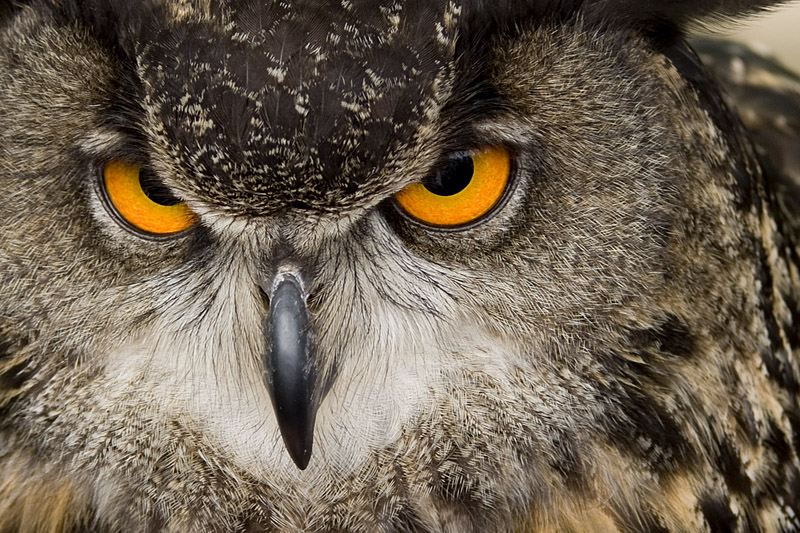 }} ``` {{Figure |caption=Figure 2: An eagle-owl |align=left |width=50%  }} `height` caps the content height and scrolls the overflow; `style` appends inline CSS. See the [Figure documentation](/-/help/plugins#figure) for those.