Customization
Customizing Your Copy of the Wiki
An Otter Wiki was not designed with the idea that user-defined styles and code might become necessary. However, since there is a need, a way to add CSS, JS and HTML has been added.
There are currently two ways to customize the wiki:
- Using
customdirectory to be able to add custom CSS, JS and HTML - Using env variables for small HTML tweaks
Both methods work independently of each other.
Using custom Directory
The template automatically loads several custom files which are empty by default. You can mount a directory into the container to provide the following customizations:
custom.css- custom CSS styles (from version 2.3.1)custom.js- custom JavaScript (from version 2.3.1)customHead.html- custom HTML injected into the<head>section (from version 2.15.0)customBody.html- custom HTML injected into the<body>section (from version 2.15.0)
For example, with a docker-compose.yaml like this:
version: '3'
services:
  otterwiki:
    image: redimp/otterwiki:2
    restart: unless-stopped
    ports:
      - 8080:80
    volumes:
      - ./app-data:/app-data
      # a custom local directory with a custom.css, custom.js, customHead.html and customBody.html
      - ./custom:/app/otterwiki/static/custom
In case of a local deployment the browser might cache the web app, so users are recommended to clear cookies and site data if the changes to custom.js or custom.css are not visible immediately even after restarting the docker
Using Environment Variables to Tweak HTML
The HTML body and head of every html rendered can be tweaked via HTML_EXTRA_HEAD and HTML_EXTRA_BODY environment variables.
This can be used for small tweaks that don't require big amounts of code.
Examples
If you've made improvements that you'd like to share, don't forget, pull requests are always welcome. Or upon up an issue post your code and a screenshot.
Check otterwiki/docs/custom_css_example on github for ready-to-test examples.
Serif Pages
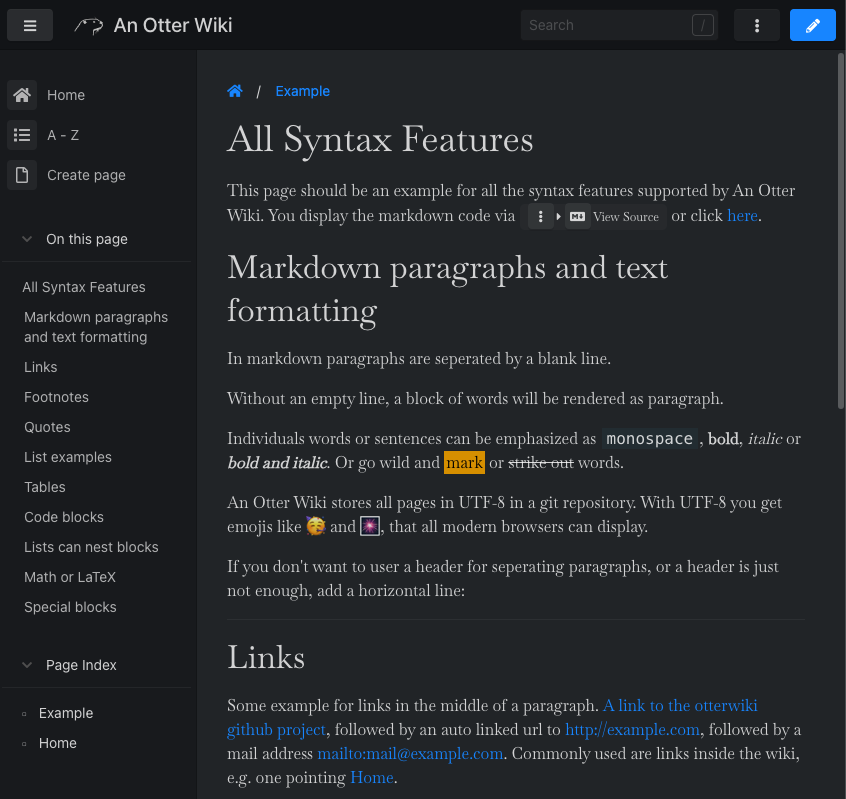
This is an example custom.css that uses the serif font
Baskervville for the content rendered in the page.
@import url('https://fonts.googleapis.com/css2?family=Baskervville');

.content > .page {
    font-family: 'Baskervville', serif;
    font-weight: 400;
}
Adding the "Fork me on github" ribbon
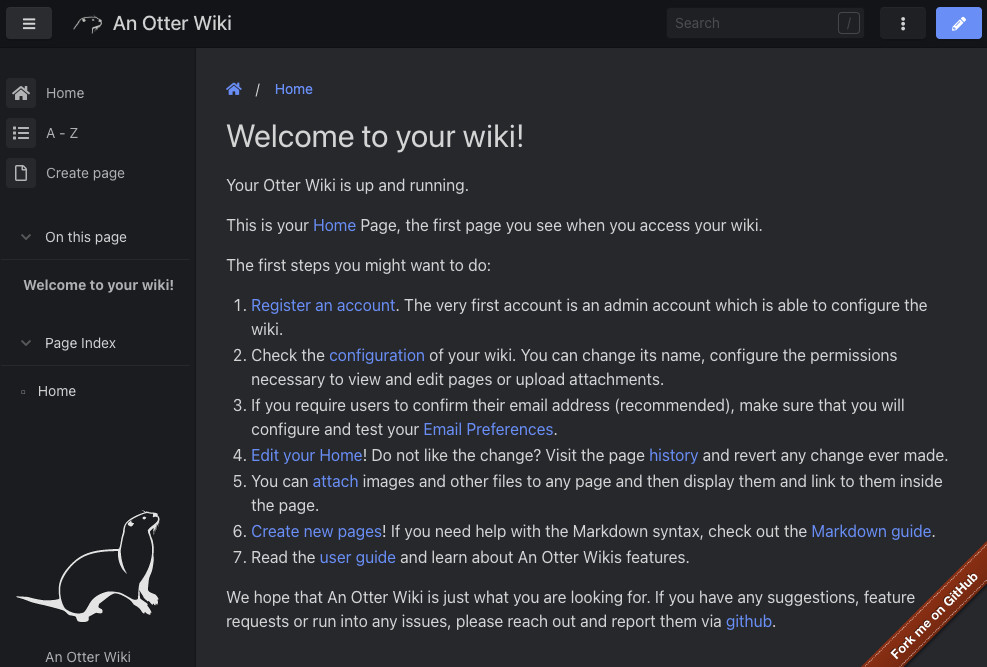
This is an example of adding the "Fork me on github" ribbon using env variables for custom HTML.
services:
  otterwiki:
    image: redimp/otterwiki:2
    restart: unless-stopped
    ports:
        - 8080:80
    environment:
      HTML_EXTRA_HEAD: <link rel="stylesheet" href="https://cdnjs.cloudflare.com/ajax/libs/github-fork-ribbon-css/0.2.3/gh-fork-ribbon.min.css" />
      HTML_EXTRA_BODY: <a class="github-fork-ribbon right-bottom" href="https://url.to-your.repo" data-ribbon="Fork me on GitHub" title="Fork me on GitHub">Fork me on GitHub</a>
    volumes:
      - ./app-data:/app-data